

First, plan building a copy of a real plane cockpit. Don't focus on any virtual X-Plane model, either free or payware, as prototype for your cockpit, use real plane panel photos and layouts to design your cockpit. Choose an aircraft cockpit you can actually build in a few months or so, especially if this is your first building experience. Do not turn this into an “endless” process for yourself, trying to build a whole plane, as real as possible. Remember - this is just a simulator!
Find a flight manual, reference guides and other tech documents for your (real) plane and find out how all the systems work. Read all about wiring on SimVimX website, decide how it is better for you to connect every toggle switch or button, how many LED drivers (registers) you need, etc. Select the type of displays you need for every numeric or text output, LCD or 7-segment. If you need some pointer gauges, decide what option is better to use for each of them - PWM coil meter, Servo or Stepper motor. Make a list of all switches, buttons, knobs, lights and displays that need to be used in your sim cockpit.
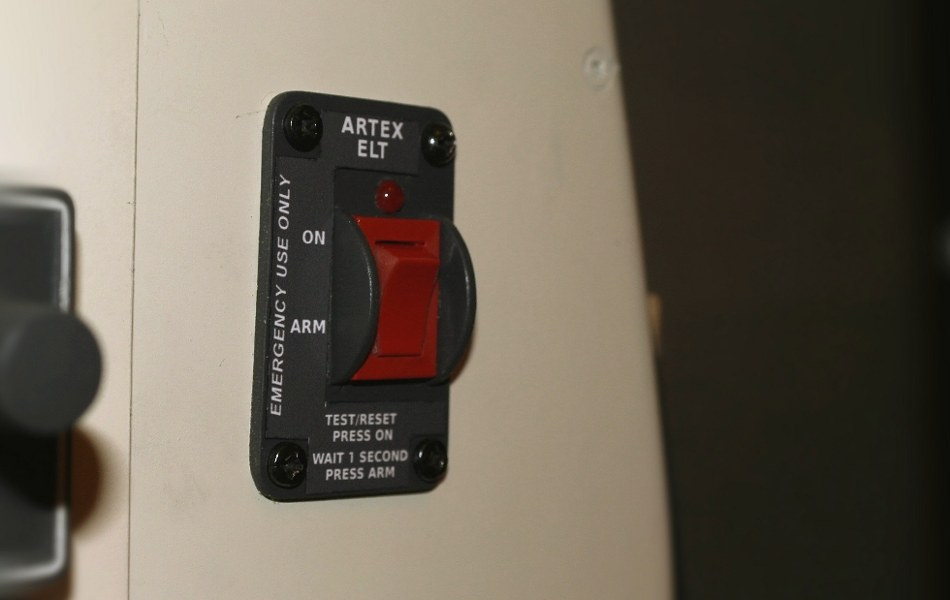
Even if these controls are implemented in the virtual plane model you use, many of them are just “dummy”, used by the developer for visual representation and not bearing any real functionality. Moreover, it’s just “weird” to have some annunciators and switches implemented in your home cockpit (like the "occupied toilet" lamp :) etc. ).
Make a sketch/diagram for all your input/output wiring.
Then, you can start configuring your controls and outputs. Open SimVimX config tool, find a parameter that you think is the most appropriate for the selected control, display or annunciator, and assign it to the direct input pin, multiplexer input or output pin acccording to your connection diagram.
SimVimX System architecture allows you to have only one master controller board, many input extension breackout boards and additional slave boards (Uno, Nano, Mini used as servo, stepper LCD, key-matrix controllers). For all input extensions and output (7-segment displays) extension one common 4-wire address bus is used.
If you need, this architecture is suitable for modularity - for every input "module" you can use a 6-8-pin socket jack to connect it to the address bus.
But think, why would you need to have separate detachable "modules" in your cockpit? My opinion is quite opposite - the best way is to make all in place, using soldering instead of multiple connectors, carefully planning all the wiring first, of course.
I don't think you will have several cockpits in your house, but even if you will, you don't need to make a removable switch panel and carry it between two cockpits, right?
It's more reasonable to make well organised wiring in each cockpit. You should plan your whole cockpit design before wiring, clearly realizing where every switch, group of switches, display and annunciator group will be located. This is not mass production, you do not need to think about universality and try to make some "unified" modules, PCBs (especially!), or connectors.
. Try to optimize input wiring (switches, buttons, encoders), grouping them and placing multiplexers right near this group.
Example:
