Getting Started
Fresh Install
Install new SimVImX v.3.0 – just unzip the SimVimX.zip file into the X-Plane plugins folder (../Resources/plugins/ ).
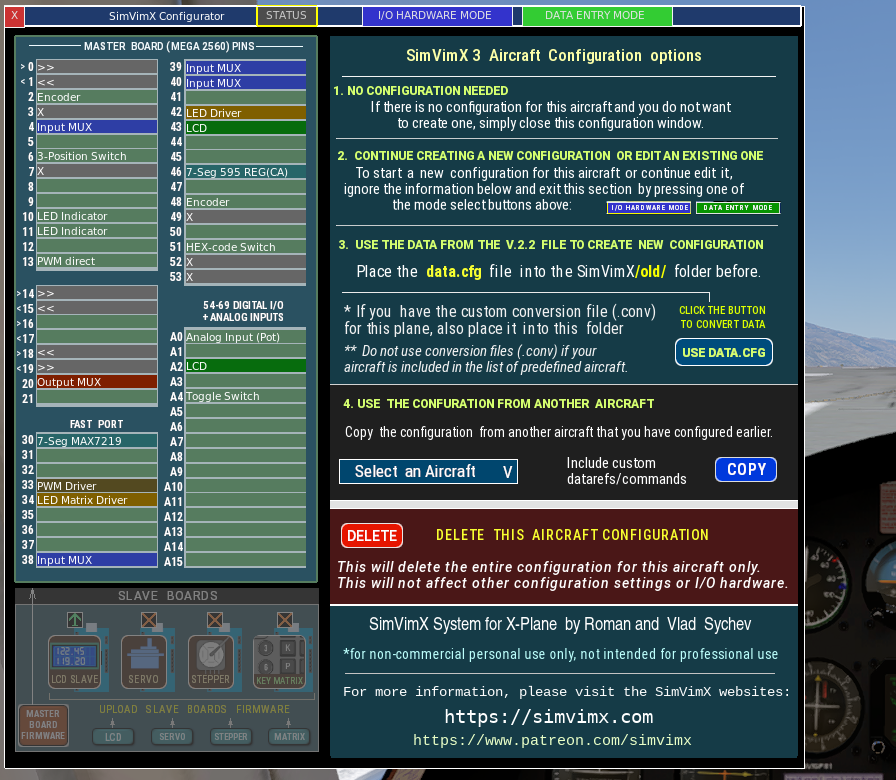
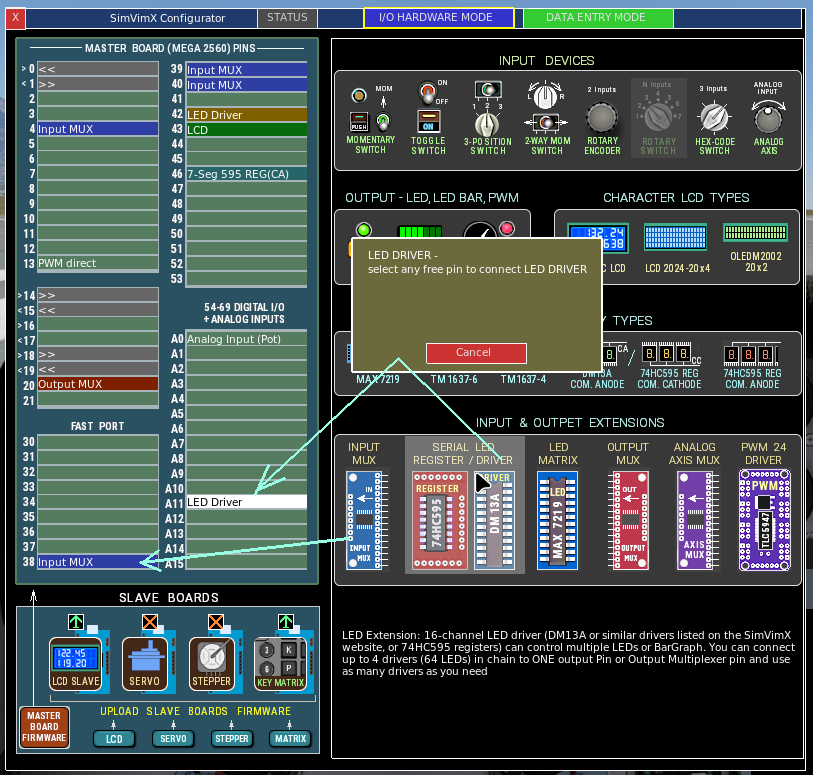
A new item called SimVimX will appear in the X-Plane plugins menu. Open it and select “Configurator” to begin configuring your cockpit for the loaded plane model.
Before you start, please read the guides in the START section carefully to use SimVimX3 correctly. New guides, including descriptions, screenshots, and videos, will be added regularly in the coming weeks and beyond. Please check back regularly.
Transition to version 3
In the previous version 2, there shouldn’t be two SimVimX folders: one with the latest version of the plugin and one with an older version (in a renamed folder), because if both plugins were present, only one could connect to the main board (usually the one that loaded first, which could be the older version).
The same applies to plugins versions 2 and 3, which can’t run simultaneously! Therefore, X-Plane can only have one SimVimX plugin folder.
- If you have a “SimVimX” folder with a plugin from the previous version 2.22, you can zip the entire folder and save it somewhere on your disk if you want keep the old version for some reason.
- If you plan to use a configuration from an older 2.2 version, you will only temporarily need the old data.cfg file from the previous 2.2x version for the new configuration.
Additionally, if your aircraft is not in the list of SimVimX predefined aircraft (below) and you have the conversion file (“your_plane.conv“) for it, this file will also only be required once. - Install new SimVImX v.3.0 – unzip the SimVimX.zip file into the X-Plane “Plugins” folder.
- Place your old data.cfg (and your plane .conv file if any) into the ../Resources/plugins/SimVimX/old/ folder if you plan to use data from them for a new configuration.
- You can now launch X-Plane and use SimVimX 3 by following the guides here.
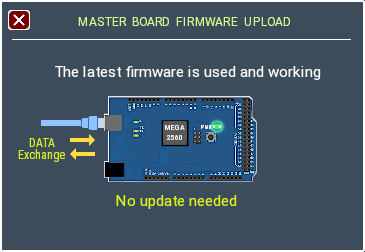
- Since you already have the master board with firmware version 2.2x, the plugin will detect it and replace the previous firmware on startup, you don’t need to do anything.
Current list of predefined aircraft in SimVimX 3.
Custom planes:
- Boeing 737-800 Laminar/Zibo Mod
- Boeing 757-200 / 767 FlightFactor
- Airbus A321 Toliss
- Socatta TBM900 HotStart
- Dash8-400 Q4XP FlyJSim
- Diamond DA-62 Aerobask
X-Plane standard:
- Boeing 737-800 Laminar
- Cessna 172 Laminar
- Baron 58 Laminar
- King Air C90B Laminar
- Cessna Citation X – Laminar
For all of these aircraft, you don’t need to have any conversion file, all your data will be automatically converted to the aircraft custom commands/datarefs.
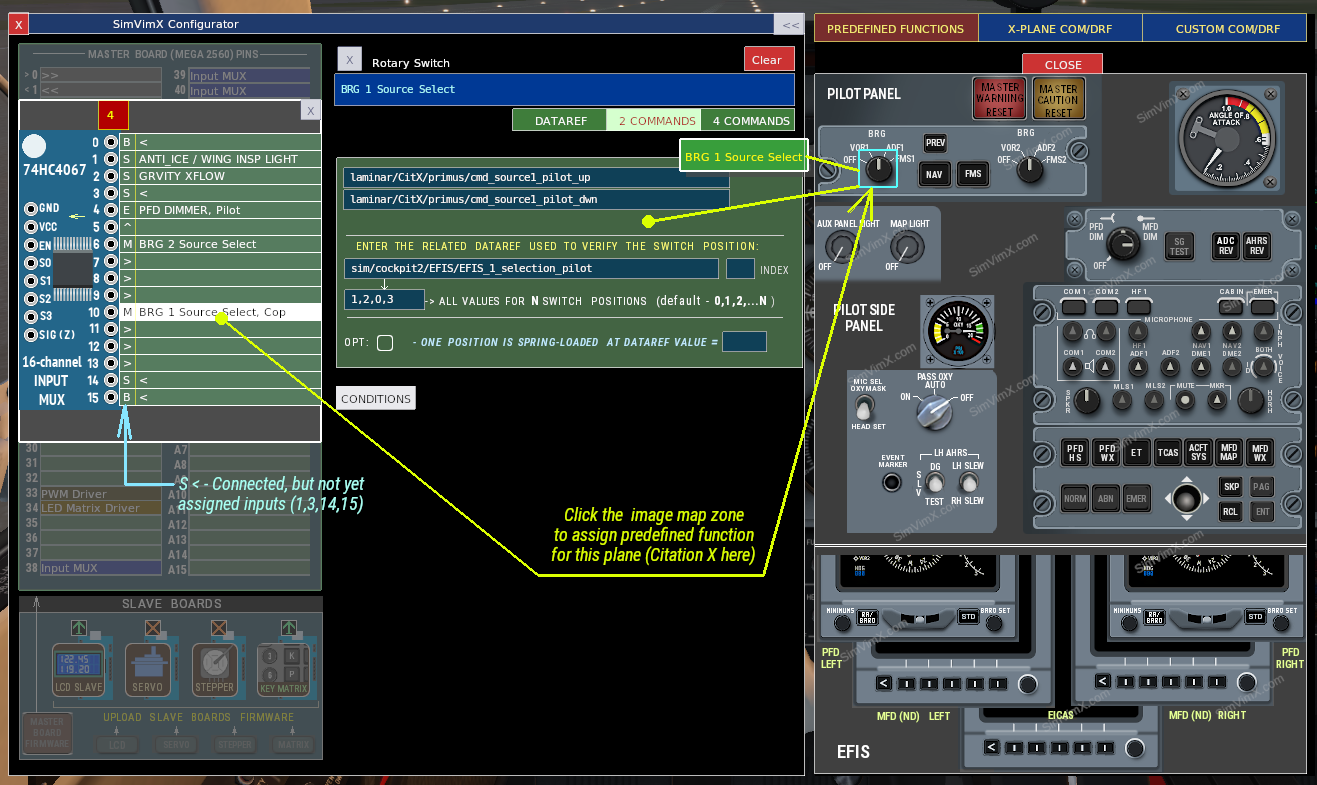
Then, you can quickly set or edit the parameters using corresponding predefined image maps on the right side of the main configuration window.