Firmware for SimVimX Slave boards
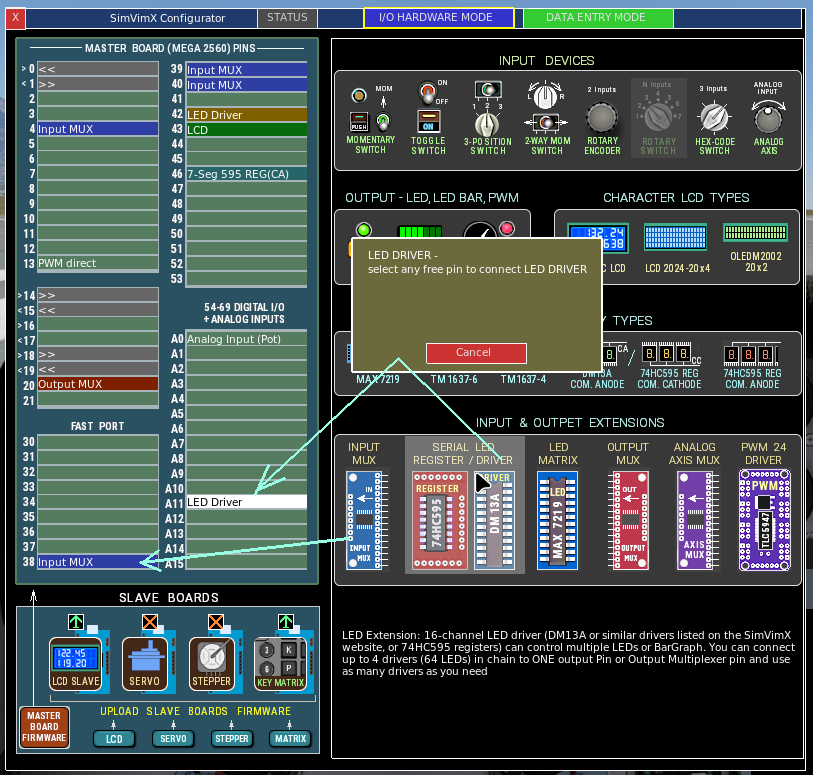
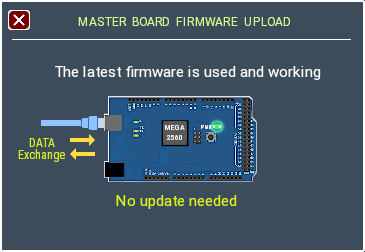
The Firmware for SimVimX slave boards needs to be loaded only once from the SimVimX plugin configuration window. Only if a new updated firmware is released (it’s very rare), you will need to upload it again.
Note: Before uploading firmware to any slave board, ensure you have disconnected it from the master Mega 2560 board (the Rx and Tx pins must be free).
(It is not necessary to disconnect the Mega 2560 master board, this allows you to see it reconnect to the plugin after the firmware has been successfully uploaded.)
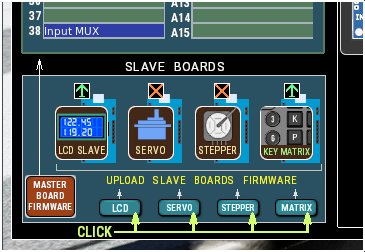
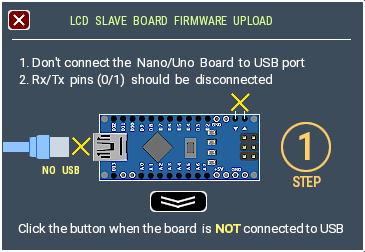
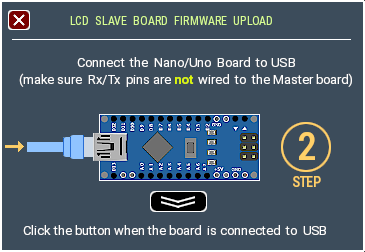
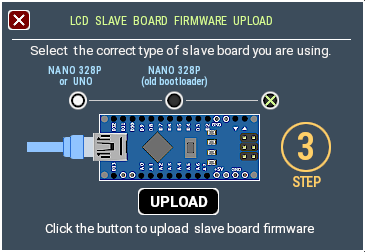
Click the [UPLOAD] button.
Upload process lasts about 3 seconds.
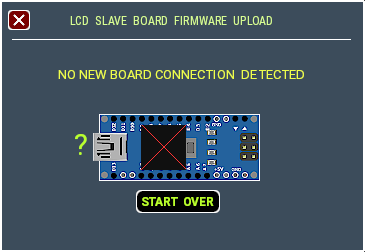
detect the board, you can try again
NOTE: If the plugin can not detect the board after STEP 2, you’ll see the “No New Board Detected” message and [Start Over] button: