Adding aircraft, configuration options
*It is assumed that you already have at least one aircraft added to your configuration with all I/O hardware connected during the initial configuration of the first loaded plane.
After loading a new aircraft that you want to add to the configuration, open the SimVimX configurator from the X-Plane menu –> SimVimX.
*** If the aircraft you loaded is already has at least one assigned I/O data in SimVimX v.3, the main configuration window will open either in the Hardware assignment mode or in the Data Entry Mode.
Otherwise, if the loaded aircraft has not yet been configured, the main configuration window will open in the Aircraft Configuration Options mode:
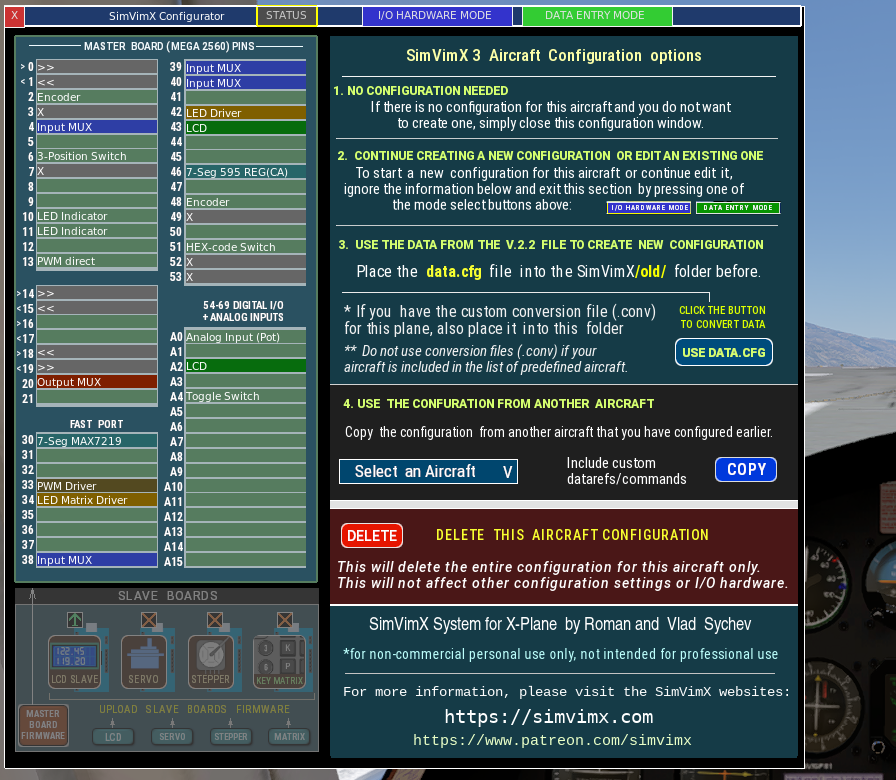
Just like when you first start, you have several options for customizing your aircraft’s data, but there are some differences:
1. Exit
– do not create a configuration for this plane.
2. Continue to start new configuration for this plane
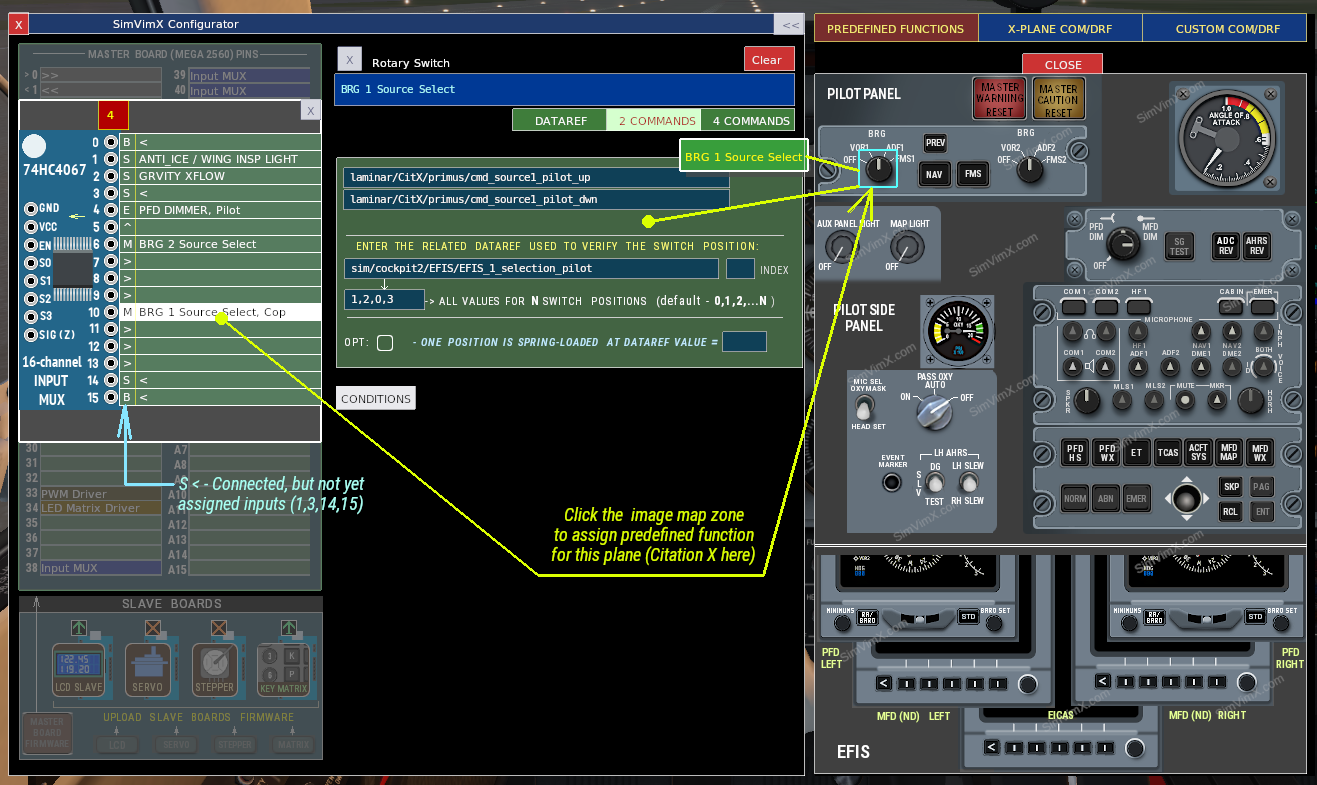
All previously assigned I/O devices are not configured ( connected, but without assigned datarefs or commands). You can select any of them and configure them for the currently loaded plane model using either predefined mappings or standard and custom datarefs and commands used for that plane in the DATA ENTRY MODE.
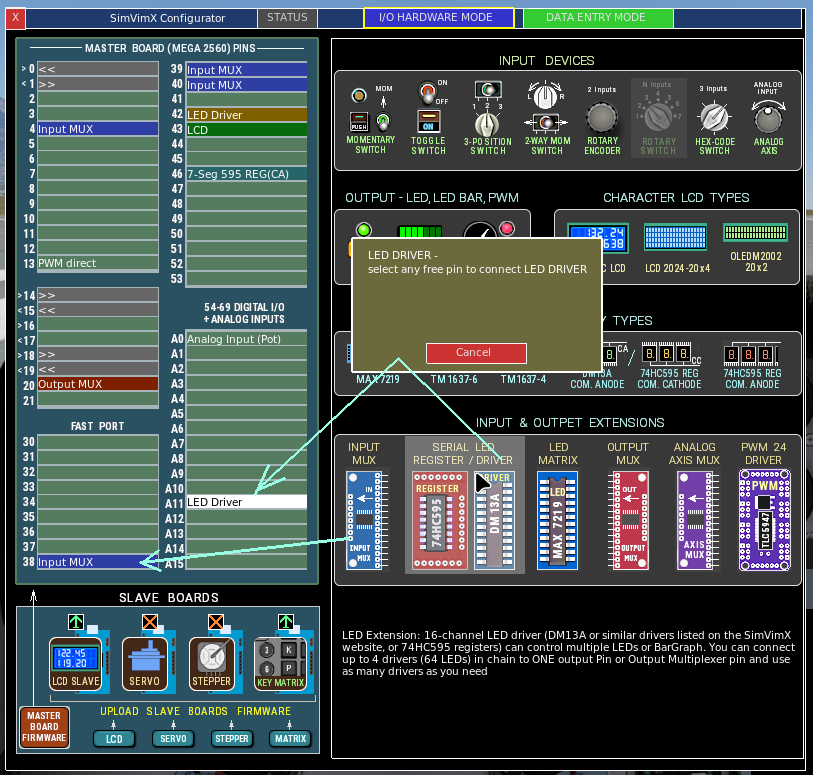
*** In addition to the devices already connected, you can add new I/O devices specifically designed for this aircraft using available (free) pins in the I/O HARDWARE MODE.
3. Transition from older version 2.2 (use the old data.cfg file)
1) Place the old SimVimX v.2.2 configuration file (data.cfg), either the same you used before for other planes, or specific for the selected aircraft, into the SimVimX/old/ folder.
* If the file for this aircraft is named differently (like “Your Plane v1.cfg”), rename it to data.cfg
2) If you had the custom conversion file for your plane (you_plane.conv) also place in to the same SimVimX/old/ folder.
Note: If you aircraft is from the list of predefined planes (see below of this page), you should not place any conversion (.conv) file to the folder
3) Then click the button USE DATA.CFG. All I/O data for this aircraft will be converted and assigned using commands and datarefs with parameters. If the aircraft has a built-in or external conversion, custom datarefs and commands will be automatically assigned to the selected aircraft with all the necessary numeric and logical parameters, which you can then easily edit or change as needed.
If the loaded aircraft uses a “dedicated” data.cfg file that is different from the file previously used for the first aircraft, then only those I/O devices from that data.cfg file that match previously assigned equipment or those that match available free pins will be configured for this aircraft.
4. Use the data configuration from another aircraft
You can copy all the settings from another aircraft that have already been configured previously.
By default, only those data configuration settings that use standard X-Plane commands and datarefs are copied. However, you can also choose to copy all input/output data configured using custom commands/datarefs. This can be useful if you have two aircraft models that use the same custom datarefs, or simply to see how certain commands are used and then replace them with others.
Select an aircraft that assigned data you want to copy to the current plane and click the COPY button
Option: Delete the aircraft configuration
Click the DELETE button to remove complete data assigned for this plane from your SimVimX configuration
- This will delete the entire configuration for this aircraft only.
- This will not affect other configuration settings or I/O hardware.
Notes:
Since the I/O device set is fixed for a single Mega2560 master board, you already have the same I/O hardware configuration for any aircraft model you load as new.
However, the data configuration is specific to each aircraft you load, and you can create configuration for any aircraft based on the same hardware mapping, but using different (custom) datarefs and commands.
The master board may have different devices connected to it, with some of them used only by certain aircraft models. Only those I/O hardware devices will be working that are assigned for the currently loaded airсraft.
Thus, if there are enough free pins on the master board, you can add more input multiplexers for inputs, an output multiplexer for additional displays and LED drivers, and connect panels dedicated for another aircraft or panel modules added to the overall panel.