This section contains the predefined functions displayed in form of image maps To configure any valid input or output, simply select the connected input or output element on the left side of the user interface in DATA ENTRY mode, and then...
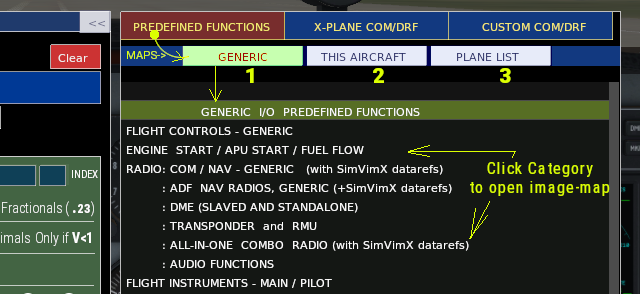
This section contains the predefined functions displayed in form of image maps To configure any valid input or output, simply select the connected input or output element on the left side of the user interface in DATA ENTRY mode, and then...

X-Plane datarefs/commands in SimVimX3 configurator The "X-PLANE COM/DRF" tab in the main SimVimX configurator window opens a list of all X-Plane 11 and 12 commands and datarefs that can be used for cockpit controls. For ease of navigation,...
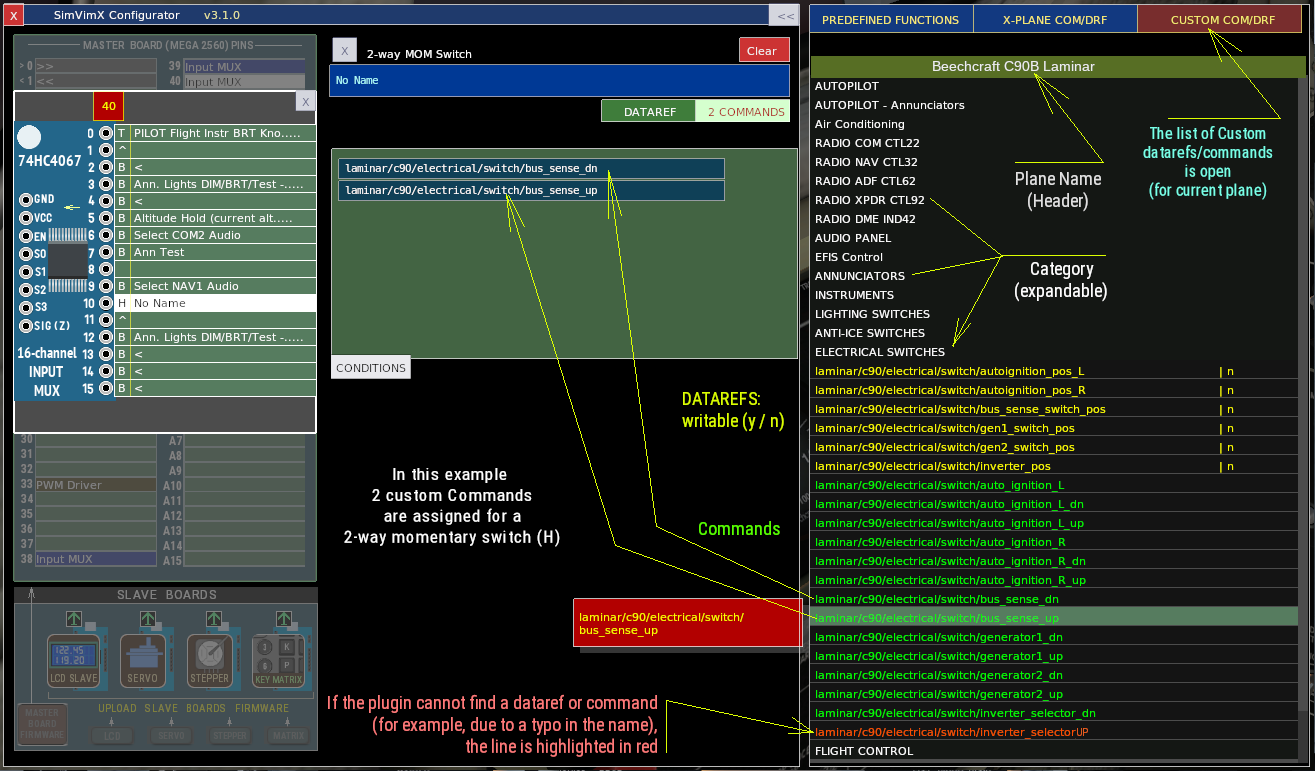
!! Since version 3.1.0 only (will be available soon) Custom datarefs/commands in SimVimX3 configurator The "CUSTOM COM/DRF" tab in the main SimVimX configurator window opens a list of commands and datarefs unique to the currently loaded...
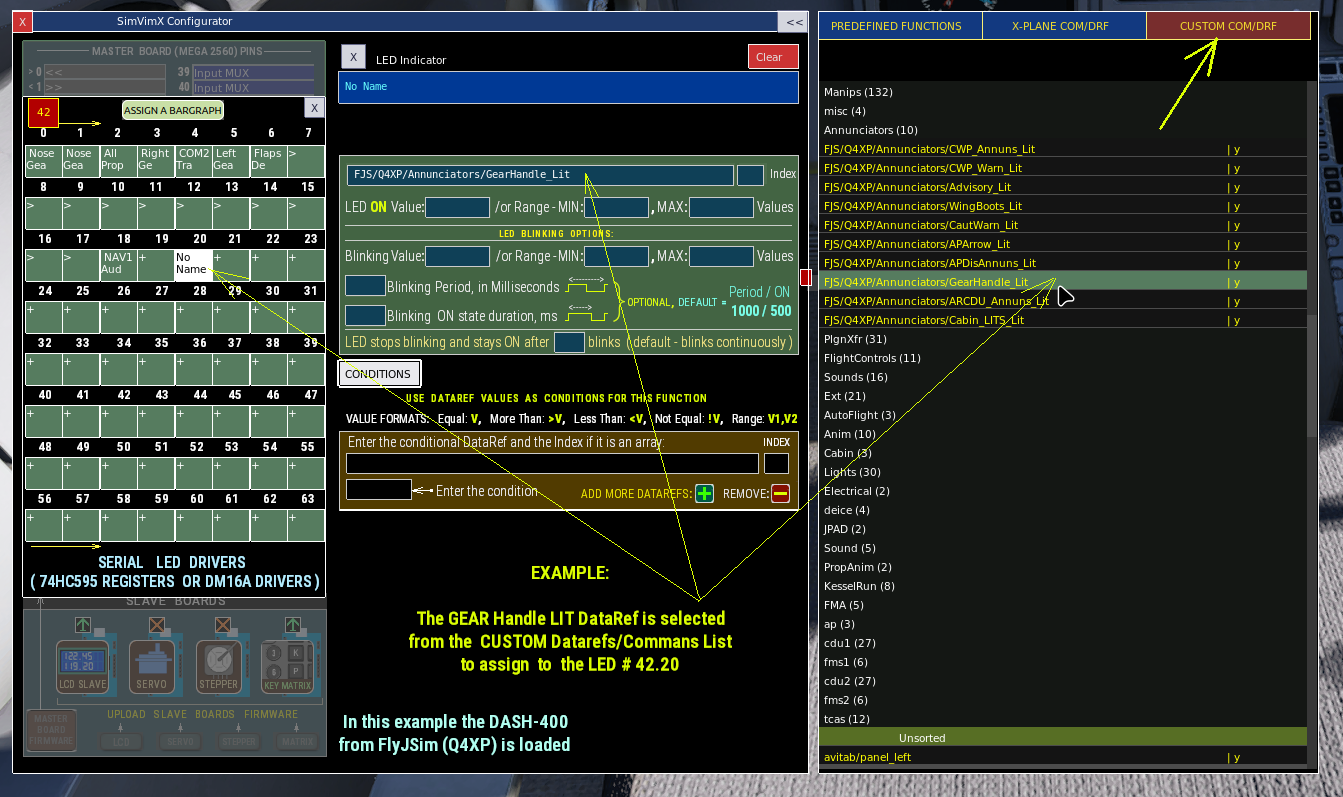
This section describes the data input options using an input multiplexer as an example, but it is applicable to any input or output. Assign Input data using predefined image maps Open the Input MUX window (click the pin it's connected) in...
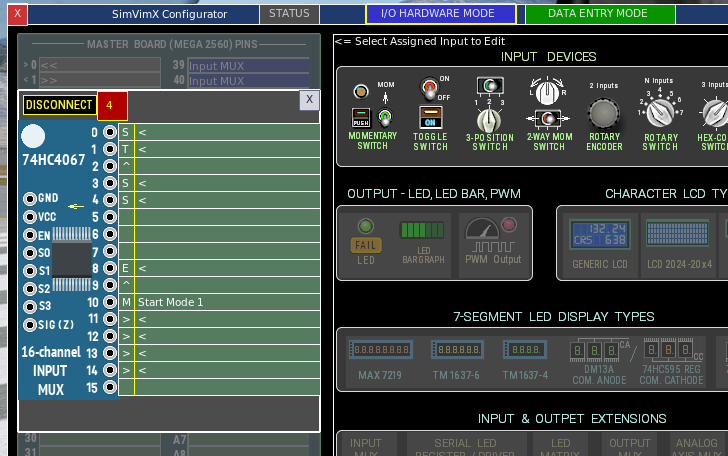
Connect Input MUX to the master board Open the configuration window in the I/O HARDWARE MODE. Select Input MUX icon in the lower part of the middle section Click the pin on the master board map in the left. Make sure this is the same pin...
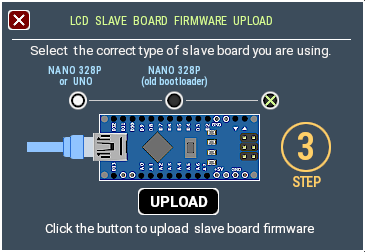
The Firmware for SimVimX slave boards needs to be loaded only once from the SimVimX plugin configuration window. Only if a new updated firmware is released (it's very rare), you will need to upload it again. Note: Before uploading firmware...